- Mozilla Connect
- Discussions
- Remove firefox name and logo from blank webpage in...
- Subscribe to RSS Feed
- Mark Topic as New
- Mark Topic as Read
- Float this Topic for Current User
- Bookmark
- Subscribe
- Mute
- Printer Friendly Page
Remove firefox name and logo from blank webpage in version 151.0.2
- Mark as New
- Bookmark
- Subscribe
- Mute
- Subscribe to RSS Feed
- Permalink
- Report Inappropriate Content
27-05-2026 01:30 PM
Have already tried config:about line to False. No Change.
VERY ANNOYING!
- Mark as New
- Bookmark
- Subscribe
- Mute
- Subscribe to RSS Feed
- Permalink
- Report Inappropriate Content
27-05-2026 01:37 PM
This works:
To restore the original spacing and larger icons:
- Go to about:config
- Type “nova” in the search box at the top.
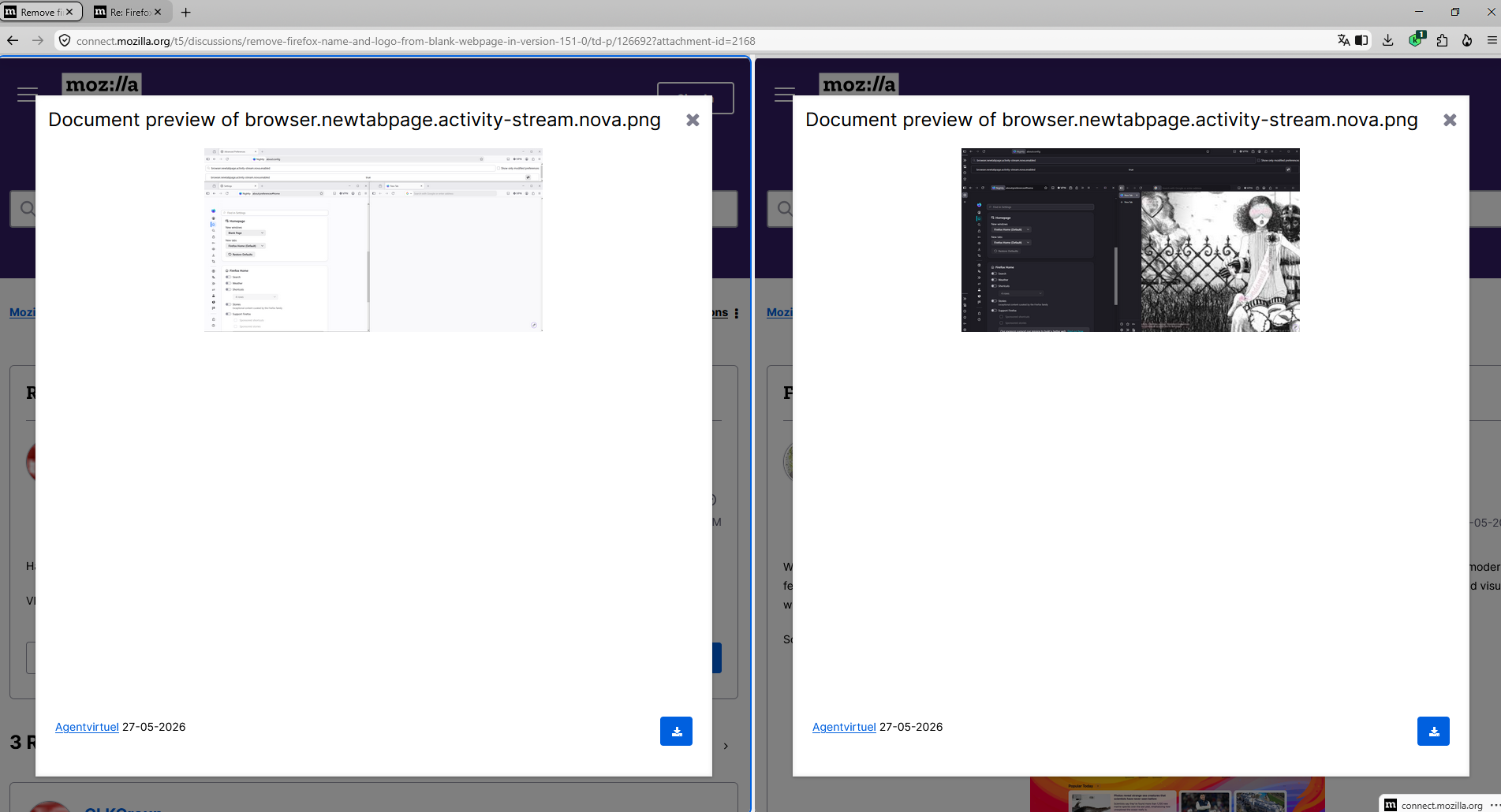
- Set browser.newtabpage.activity-stream.nova.enabled to false. You need to double-click to change the value from true to false. This reverts the layout to the pre-151 design.
- Close about:config and open a new tab.

- Mark as New
- Bookmark
- Subscribe
- Mute
- Subscribe to RSS Feed
- Permalink
- Report Inappropriate Content
27-05-2026 04:25 PM

- Mark as New
- Bookmark
- Subscribe
- Mute
- Subscribe to RSS Feed
- Permalink
- Report Inappropriate Content
27-05-2026 10:49 PM
Hello
This similar discussion thread
https://connect.mozilla.org/t5/discussions/firefox-151-introduces-a-fresh-new-look-for-home-amp-new-...
Currently, Firefox Nightly.
Preference, browser.newtabpage.activity-stream.nova.enabled, value true, by default.

- Mark as New
- Bookmark
- Subscribe
- Mute
- Subscribe to RSS Feed
- Permalink
- Report Inappropriate Content
27-05-2026 11:05 PM

- Return to Previous Version in Discussions
- OneNote source links behaviour changed since updating to Firefox 157 in Discussions
- Firefox on macOS does not return to the previously active full-screen window after Command-Tab in Discussions
- white line in Discussions
- Vertical Tabs Train Bad Behavior in Discussions
